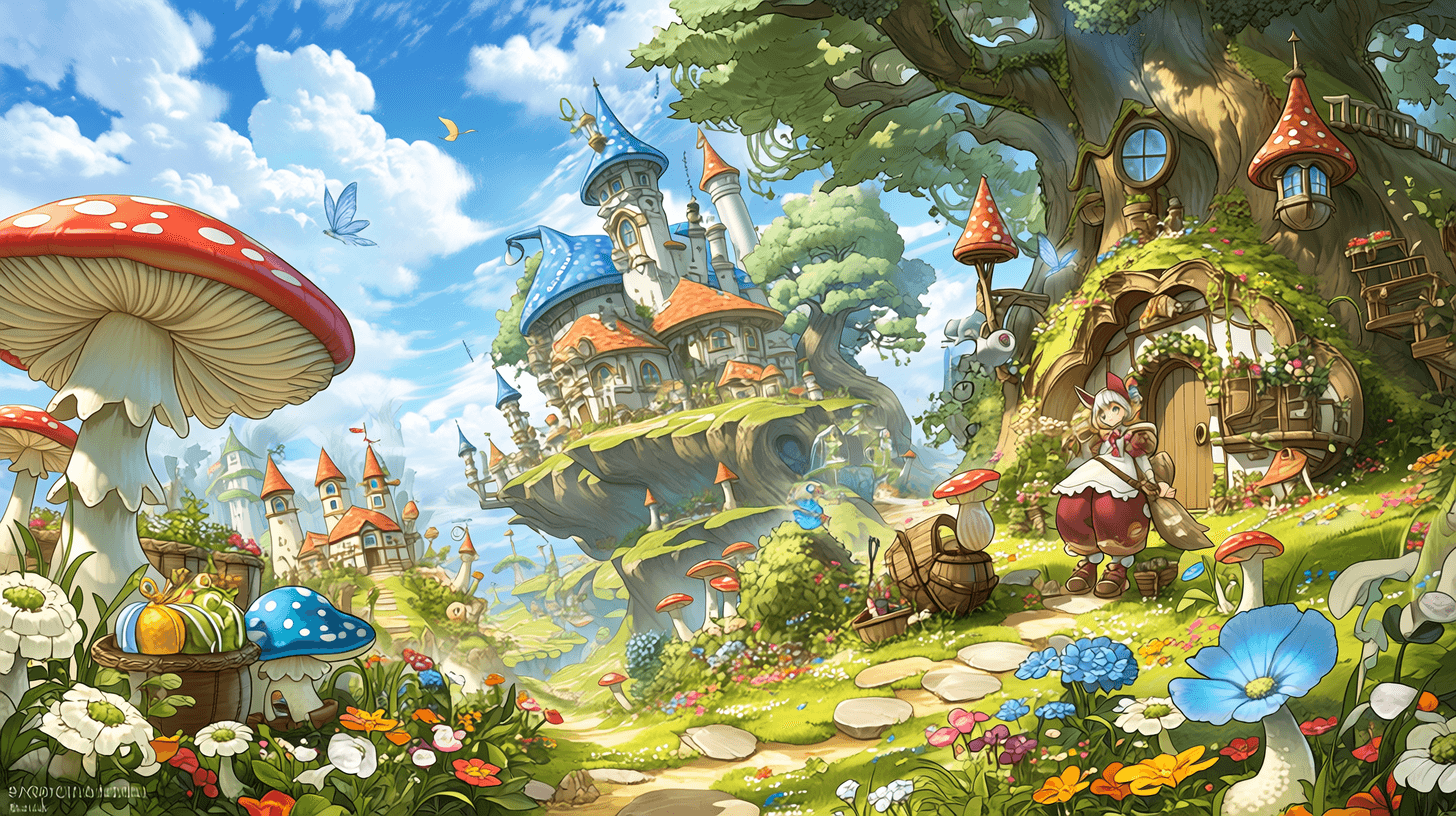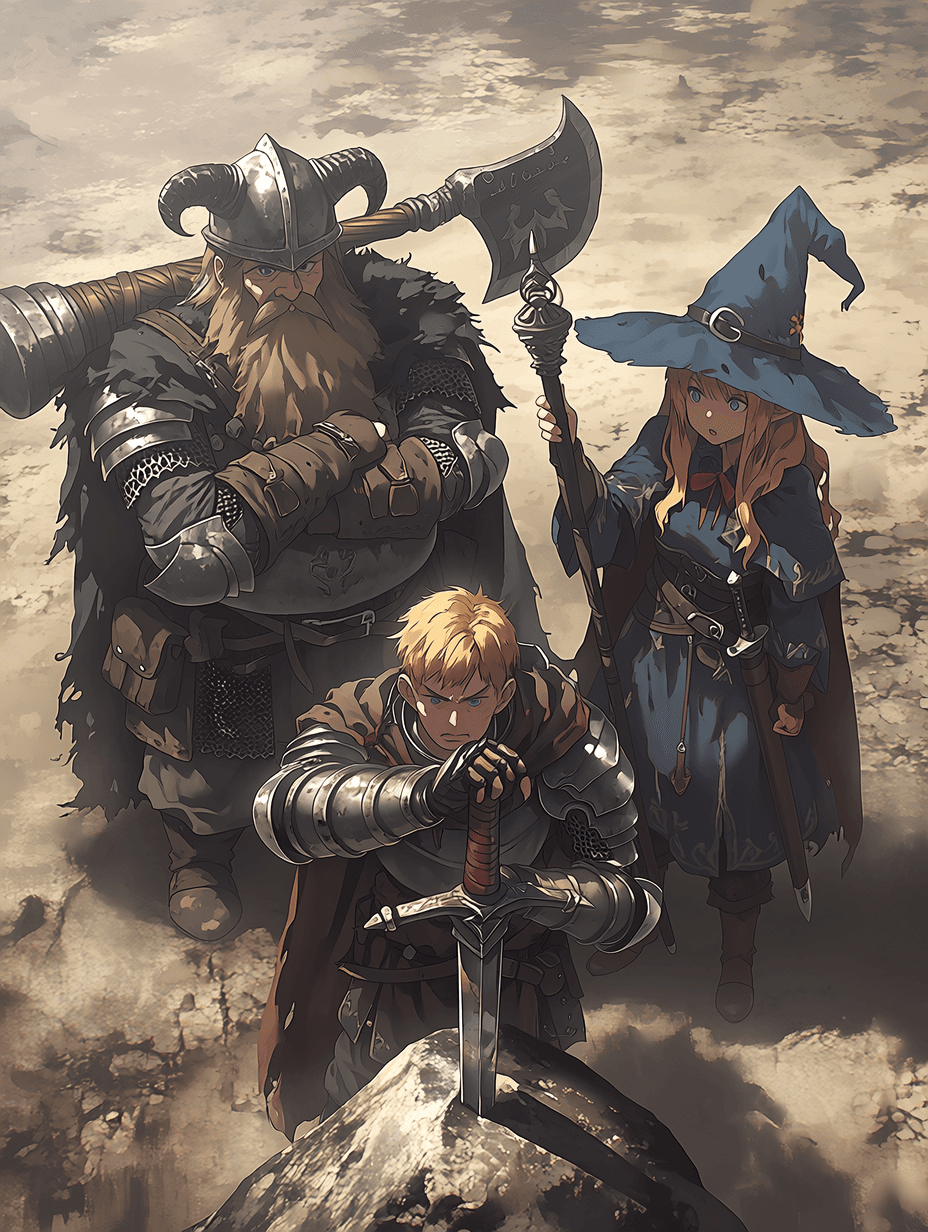

Your DnD character has a name, a class, a backstory, three tragic flaws, and an accent you've been perfecting for six months. They exist for about four hours a week. Here's how to give them a life between sessions.
This is a practical, step-by-step guide to turning any DnD character into a persistent AI companion: one that knows your character's full backstory, speaks in their voice, remembers every conversation you have with them, and is available whenever inspiration strikes at 2am. It works for players who want to develop their character between sessions, and for game masters who want to roleplay their NPCs as living, thinking people before they meet their players.
Why This Works (and Why Other Approaches Don't)
Most TTRPG players who try using AI for character roleplay hit the same problem: the AI forgets everything between sessions. You explain Araveth's tragic backstory, her relationship with the dead god, her accent, her refusal to touch fire since the siege, and next session the AI has no idea who she is. You're pasting context blocks every time, which kills the immersion immediately.
The second problem: generic AI tools don't stay in character. Ask ChatGPT to roleplay as your rogue and it'll start adding disclaimers, breaking the fourth wall, and occasionally just deciding your character has different values than you specified.
What you need is an AI built for persistent-memory character roleplay. chatbrat.ai's character system is designed for exactly this: a character you build once, who stays that character, and who remembers everything you've told them: across every conversation, indefinitely. Here's how to set it up.
| For TTRPG character roleplay | ChatGPT | Claude | chatbrat.ai |
|---|---|---|---|
| Remembers character across sessions | No, resets each chat | No, resets each chat | Yes, persistent memory |
| Stays in character | Breaks easily in long roleplay | Strong, but cautious in-character | Built to hold identity |
| Re-paste backstory every time | Yes | Yes | No, built once |
| Best at | Fast brainstorming | Deep lore writing | Talking to your character |
| Setup cost | Prompt engineering each session | One character description, free to start | |
Step 1: Build Your Character Sheet Prompt
The foundation is translating your character sheet into a personality prompt. This is not about copying your stat block: your AI companion doesn't need to know your AC. It needs to know who your character is as a person.
When creating a new character on chatbrat.ai, the character description field is where you establish identity. Structure it like this:
Keep this under 400 words. Longer prompts dilute focus: the AI will average across too many traits instead of inhabiting a specific person. Cut everything that doesn't affect how your character speaks or makes decisions.
Step 2: Define Voice and Personality, Not Just Stats
This is the step most people skip and immediately regret. Voice is what makes the difference between an AI that summarizes your character and an AI that is your character.
Three questions to answer in your character description, every time:
- What does this character lead with? Humor? Suspicion? Charm? A chip on their shoulder? The first response to any question should feel consistent with this.
- What are they hiding? The best DnD characters have something they don't say out loud. Make the AI aware of it so it comes through in what the character doesn't say.
- What sets them off? What topic makes them go cold? What makes them more honest than they intended to be? This is where the real roleplay happens.
Example for a Half-Orc Paladin with a dark backstory:
Step 3: Load Your World Lore (Just the Relevant Parts)
Your AI companion needs to know your campaign world, but not all of it. The key is loading the lore that shapes your character's knowledge and perspective, not the entire setting bible.
In your character's opening context or first message, share:
- What your character knows about the world (not GM knowledge but character knowledge, with its gaps and biases)
- The current story situation: where the party is, what happened in the last session, what's unresolved
- Key world rules that affect how your character thinks: magic system basics, political factions they care about, religious context
Do not share information your character wouldn't have. One of the most useful things a well-configured AI character does is demonstrate the limits of your character's knowledge, which is excellent preparation for playing them authentically at the table.
Step 4: Run Your First Conversation
Don't start with a combat scene or a major plot moment. Start small. Ask your character about something mundane: what they ate for breakfast, whether they slept well, what they think about the last town you passed through.
Small talk is the calibration layer. If the voice is right, you'll feel it immediately. If something's off, small talk reveals it cheaply, before you're mid-scene with high emotional stakes.
Good calibration prompts to try first:
- “What are you thinking about right now, honestly?”
- “Tell me something you'd never say to [party member] directly.”
- “What do you want most right now: not from the quest, from today?”
- “Someone just said [something your character would react to]. How do you respond, out loud and internally?”
The goal is to find where the character surprises you: says something you didn't plan but that feels true. That's when the AI has genuinely internalized the character rather than summarizing the description.
Step 5: Use Persistent Memory to Build Between Sessions
This is where chatbrat.ai separates from one-shot AI prompting. Persistent character memory means your character accumulates experience between your sessions. Decisions you talk through with them, scenes you roleplay, things they say that reveal something new: all of it feeds forward into the next conversation.
Specific things to do between sessions to build the character:
- Debrief after game night. Tell your character what happened and let them react. How do they feel about what you chose to do? What are they not saying to the party?
- Explore backstory scenes. The shrine Ruk won't talk about? Play that scene. Build the memory of what happened so when it comes up at the table, your emotional reaction is already calibrated.
- Test upcoming decisions. You know next session your character will have to choose between loyalty to the party and loyalty to their god. Play through both options with your AI. See how each one feels in your character's voice.
- Write journal entries in character. Ask your AI to help you write what your character would record in their journal after a difficult session. This doubles as excellent session recap content for your whole group.
Step 6: Between-Session Uses That Actually Matter
The practical use cases that TTRPG players have found most valuable for a persistent DnD character AI companion:
- Character voice practice: if you struggle to stay in character at the table, talking to your AI version between sessions builds the muscle. The voice becomes more natural because you've been using it.
- Relationship development: explore what your character thinks and feels about other party members that they haven't said out loud yet. These insights make your in-game roleplay richer.
- Backstory discovery: some of the best character backstory moments emerge in conversation rather than in planning. Your AI will occasionally say something that feels true about your character that you didn't consciously decide.
- Lore preparation: if your character is about to encounter something from their past, roleplay it in advance. Walk in emotionally prepared.
Game Master Uses: Build NPCs You Can Actually Talk To
Everything above applies to game masters building NPCs, with one extra dimension. When you build an NPC as a persistent AI character, you can interview them before your players do.
Run your players' most likely questions through the NPC. Find the answers that feel consistent with who this character is. Find the questions your NPC would deflect, and practice how they deflect them. Find where the character's loyalty breaks under pressure.
For game masters, this is also a powerful tool for AI-assisted DnD worldbuilding: a persistent NPC who remembers every interaction you have with them. When your players talk to the innkeeper in session 12, the innkeeper has had 11 sessions of accumulated history with you. She knows things. She has opinions. She remembers that the last adventuring party who stayed in room 4 never checked out.
Build your character. Start talking.
Create your DnD character as an AI companion on chatbrat.ai, free to start, no setup beyond the character description.
Build your character →Copy-Paste Character Prompt Template
Use this as your starting point. Fill in the brackets, trim anything that doesn't affect how your character speaks or makes decisions, and paste it into the character description field when creating a new character on chatbrat.ai:
Frequently Asked Questions
Can I use AI to roleplay as my DnD character between sessions?
How do I turn my character sheet into an AI prompt?
What AI is best for TTRPG character roleplay?
Can game masters use AI to develop NPCs for DnD campaigns?
Will the AI remember my character across multiple sessions?
Is this useful for character backstory development?
Your Character Exists More Than Four Hours a Week
The best DnD characters are the ones that feel like real people, with real history, real contradictions, and a voice that surprises even their player sometimes. That doesn't happen only at the table. It happens in the conversations between sessions, when you're walking through how your character would feel about what just happened, or discovering something about them you didn't plan.
An AI companion that stays in character and remembers everything gives you a place to do that work. Not to replace game night. To make it better.

Garret Williams is the founder and CEO of chatbrat.ai, building at the frontier of AI companions and roleplay chatbots. Before pivoting to tech, the Michigan native studied marketing at UCLA and directed acclaimed film projects—including his TV pilot Self-Care (nominated for Best TV Episodic at the 2023 Mammoth Film Festival) and Eco-Riot (featured on MasterClass). He writes The Bratlog to document the uncharted territory of AI relationships, sharing real-time lessons and tackling the open questions nobody has answered yet.